
❗If you are looking to register for RSAC™ Conference, please reference this article instead!❗
To sign up, follow these easy steps:
- Go to https://portal.onersac.com
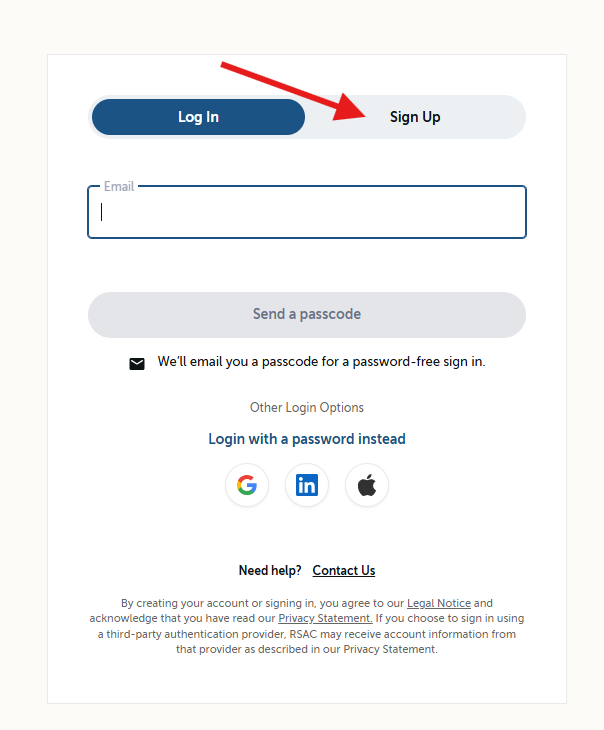
- Toggle to "Sign up"
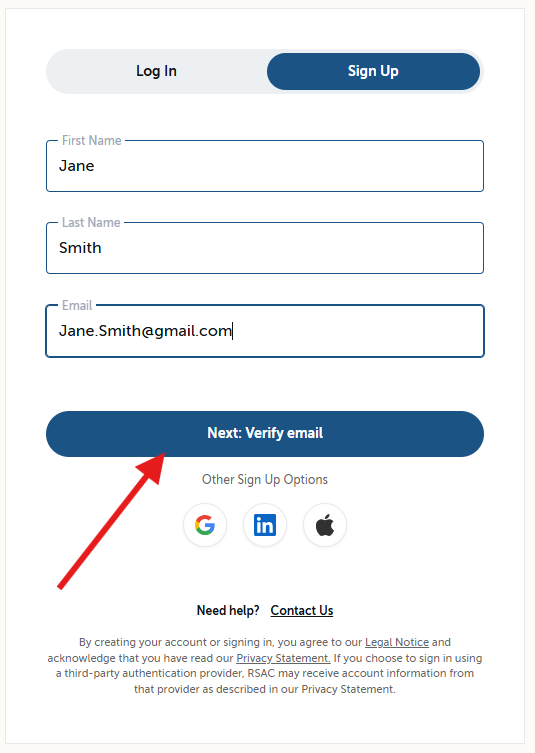
- Enter your preferred email address for all RSAC products & click "Next: Verify Email"
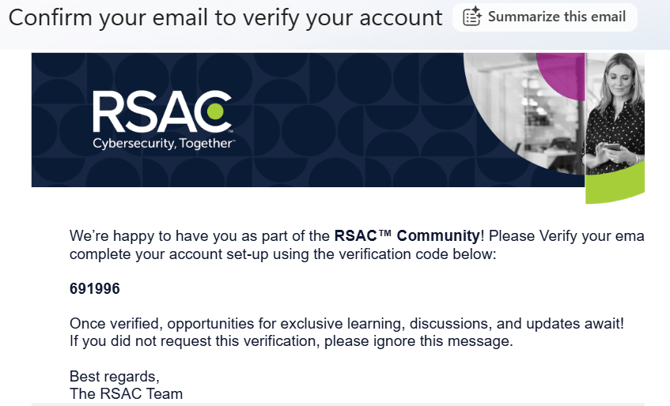
- Navigate to your email inbox and gather the verification code.
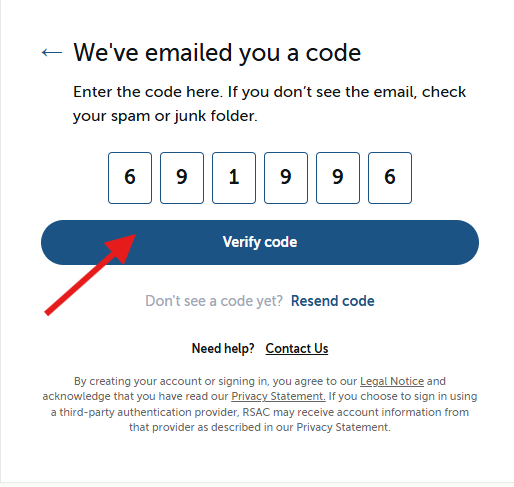
- Enter verification code & click "Verify code"
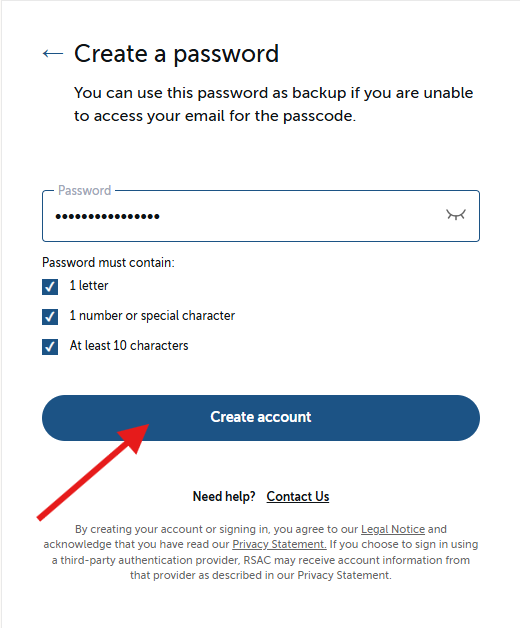
- Enter your password and click "Create account"
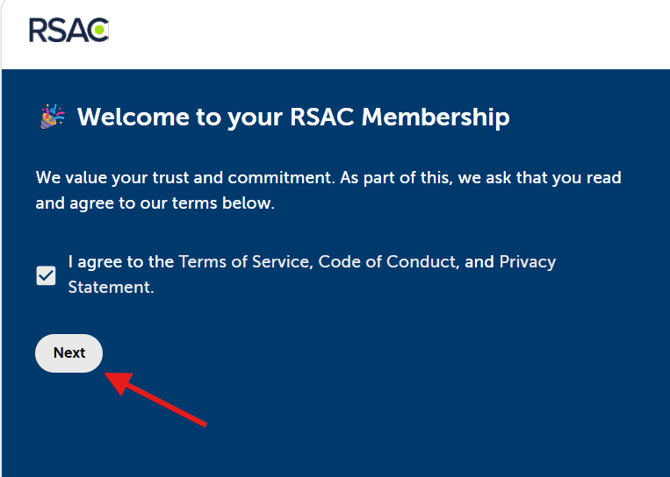
- Accept & agree to Terms of Service, Code of Conduct, and Privacy Statement. Then click "Next"
Congratulations! Please navigate to this additional help center article if you need help troubleshooting creating an account or resetting your password: