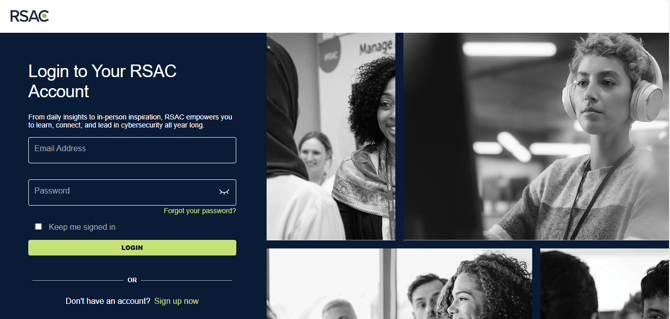
To reset your password, follow these instructions
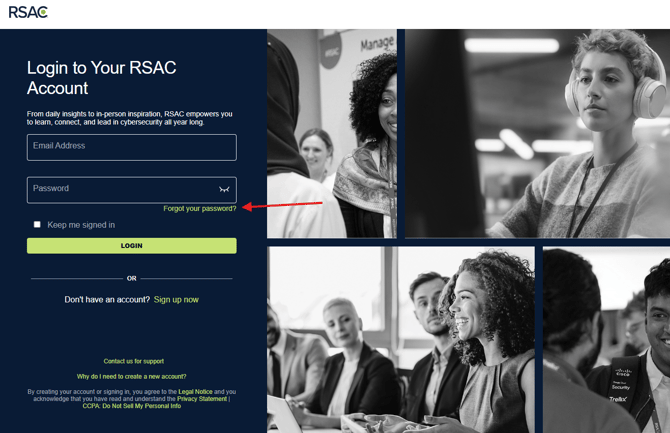
1. Click on the Forgot Your Password link
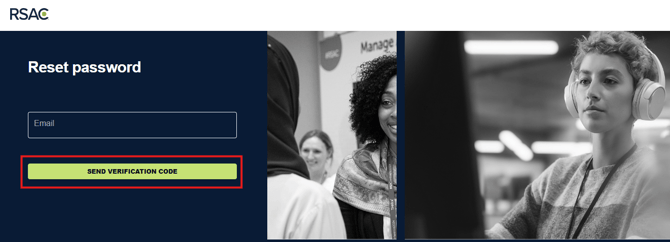
2. Enter your email address and click "Send Verification Code"
3. Open verification email
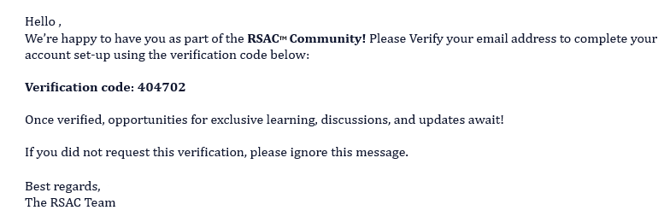
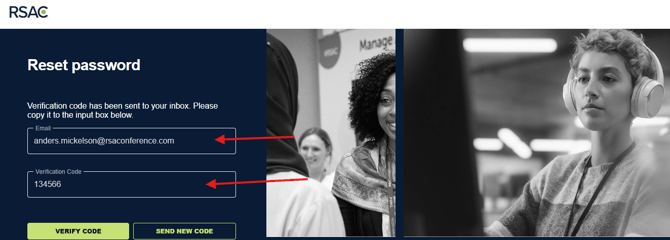
4. Enter verification code into the form and click Verify Code
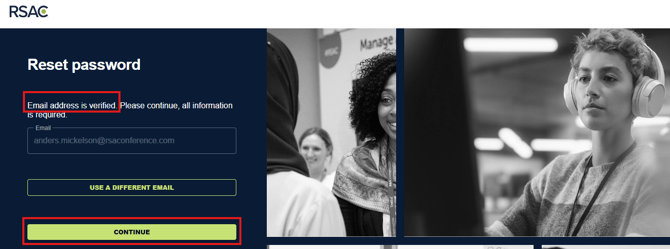
5. Click Continue
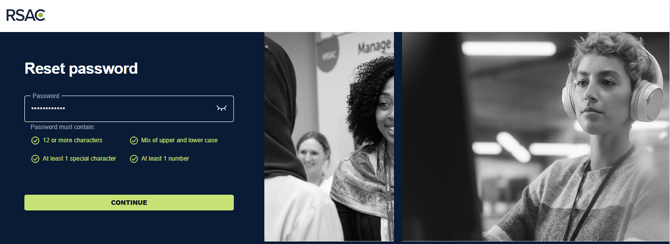
6. Enter your new password and click continue
7. Your password has been updated!

8. Log in with your new password