
Follow these steps to complete the process to verify your identity with RSAC.
1. Open the iOS App and tap your profile icon in the upper right-hand corner.
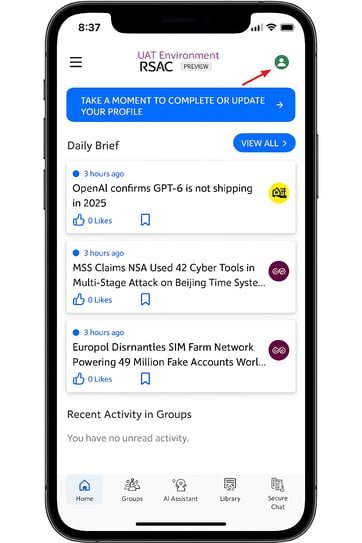
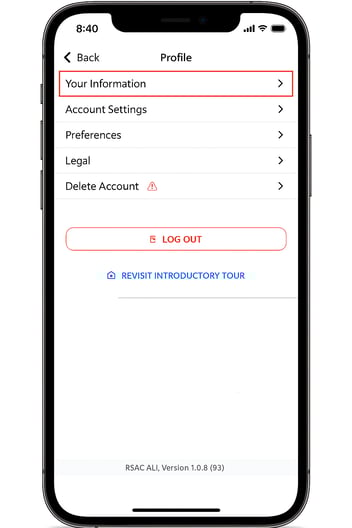
2. Click Your Information.
3. Click "Need to update your name?"
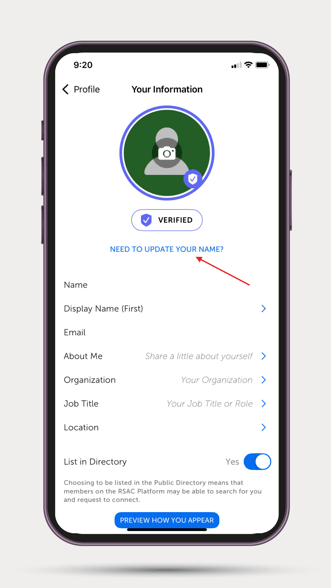
4. Update your First & Last Name & then click "Save & Start Verification" or "Save & Close"
.png?width=329&height=585&name=thumbnail_Canva%20Design%20(1).png)
5. Your name has now been updated!
Please reach out to Customer Support if you need additional assistance by clicking on the "Contact Us" link in the upper-right-hand corner.